Bot Features
HelperBuddy is actively developed - new features ship regularly. Premium features are marked with 💎.
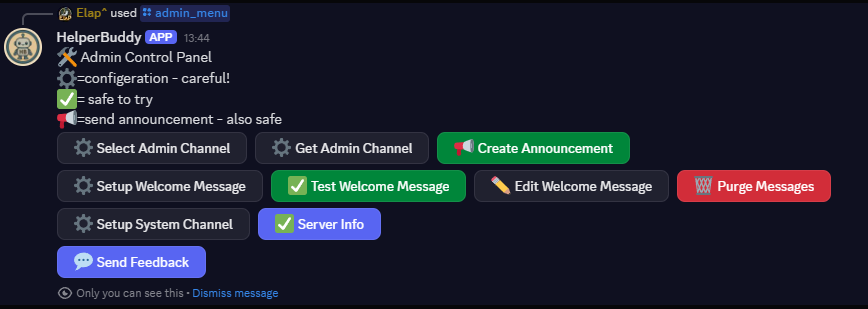
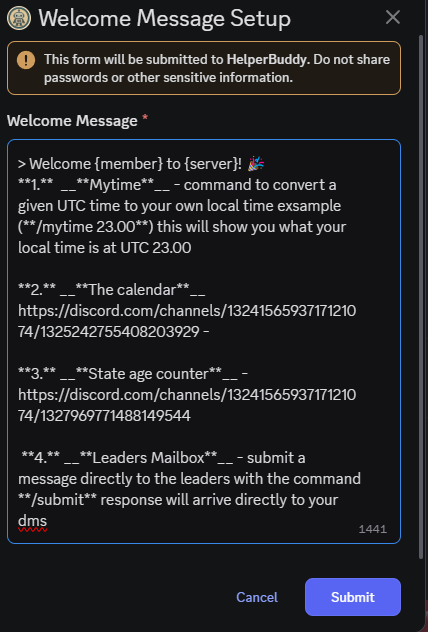
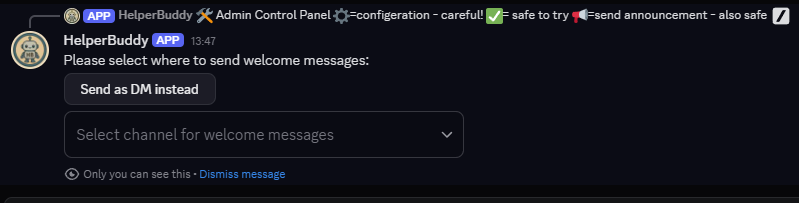
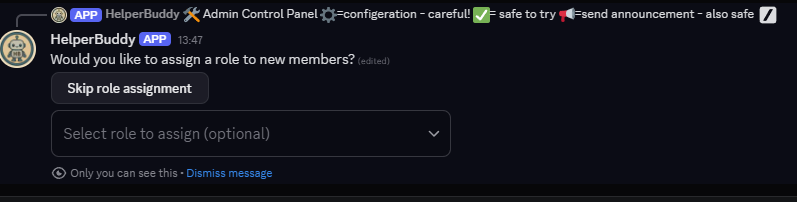
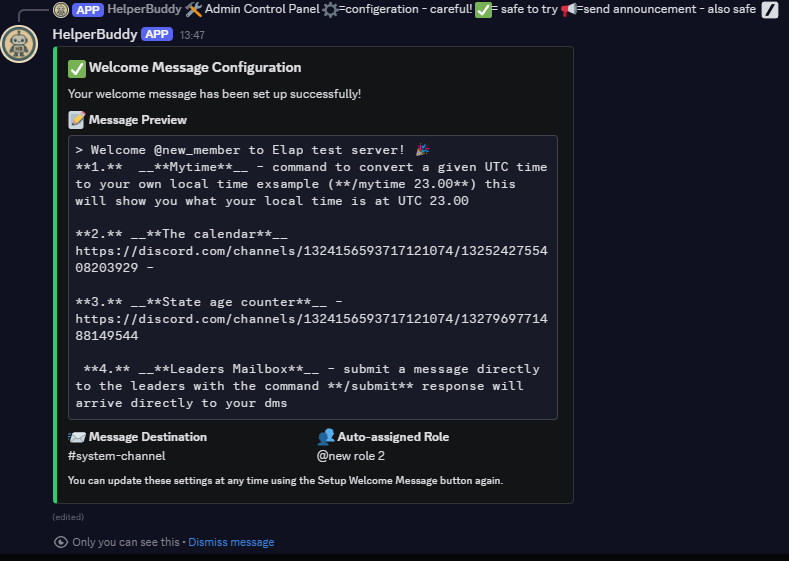
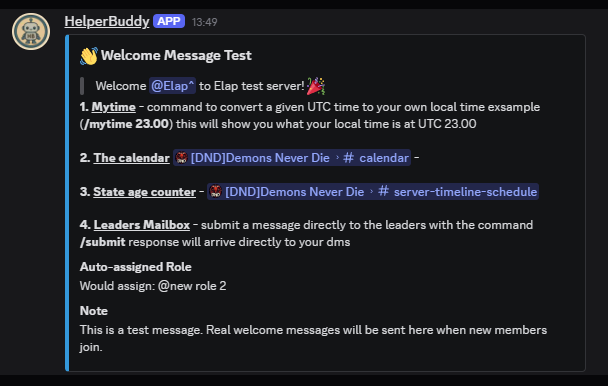
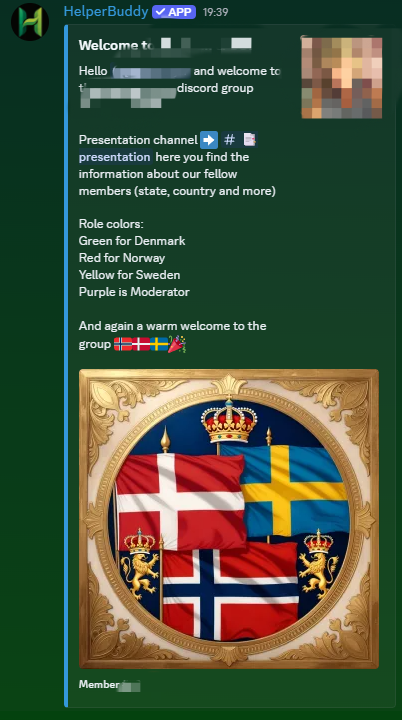
Custom Welcome Messages
Greet new members with customizable welcome messages.
Create personalized welcome messages that automatically tag new members. Include server rules, information, and set their role.
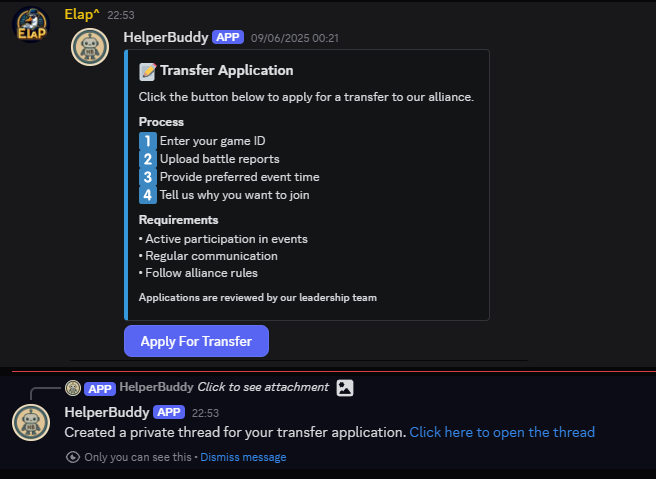
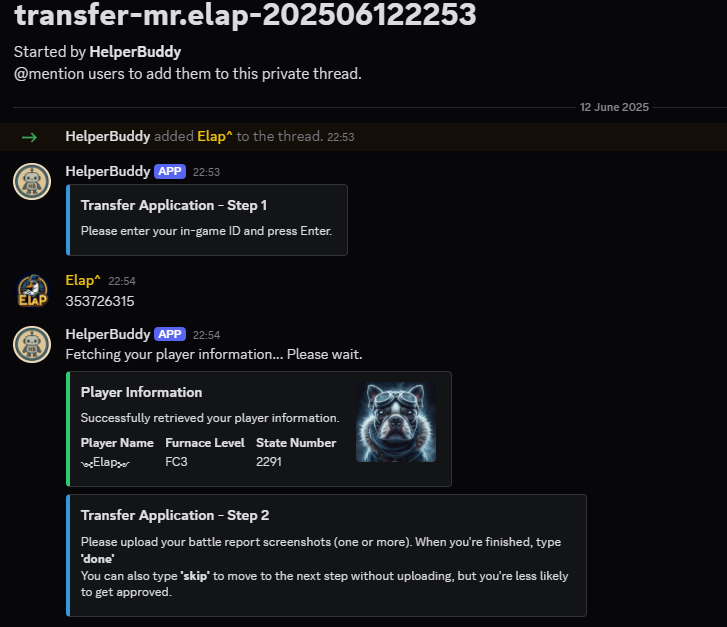
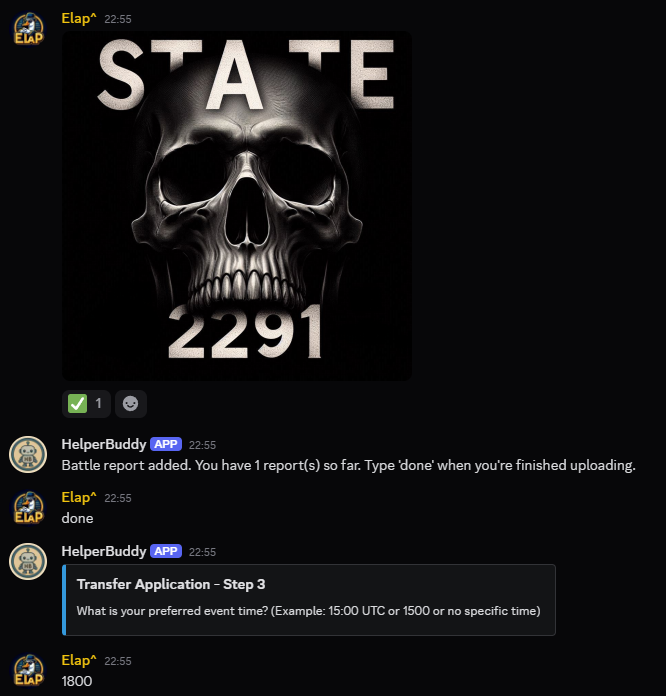
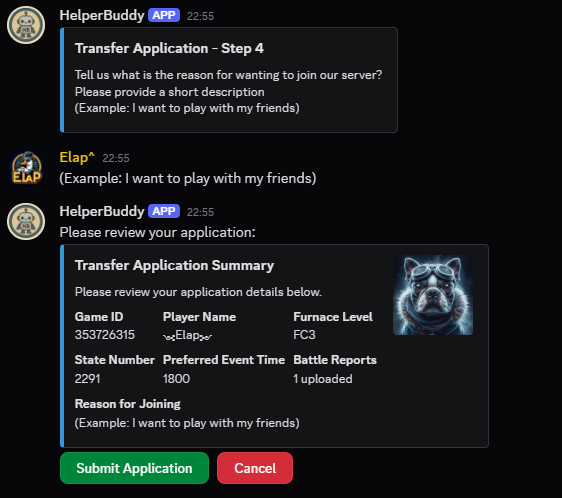
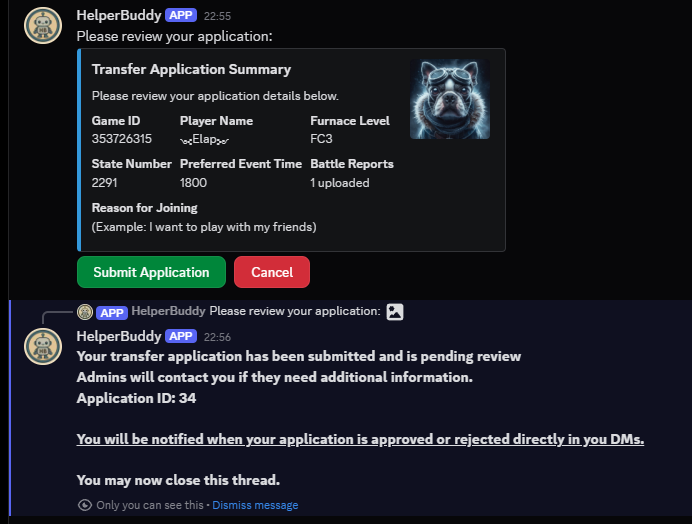
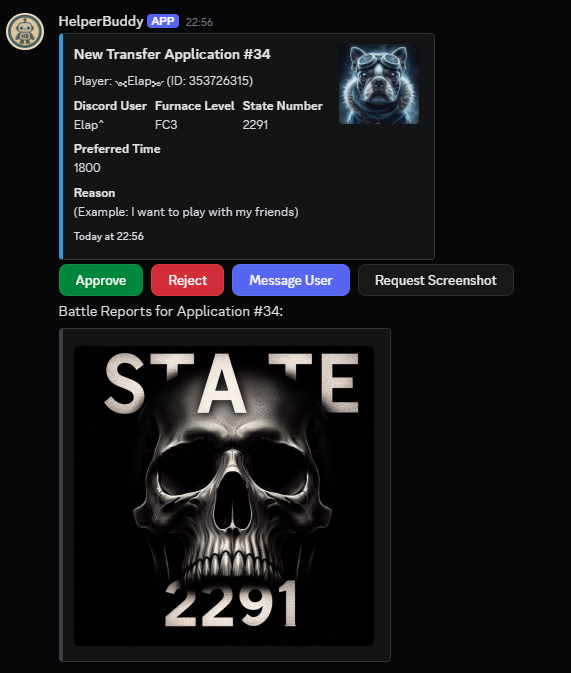
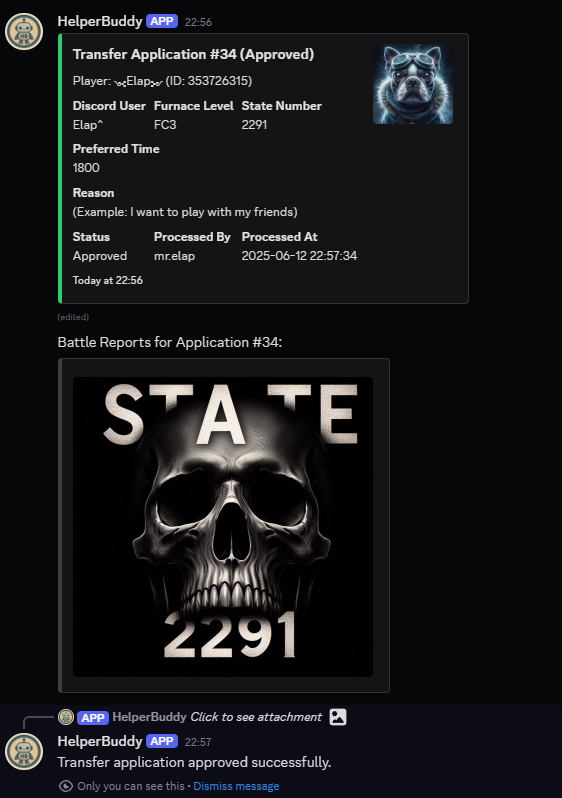
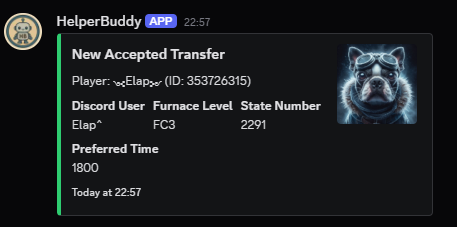

Whiteout Survival Transfer System
Advanced system for handling applications for transfering to your state.
A comprehensive system for managing state transfer applications. Includes customizable forms, admin review interface, and automatic notifications.
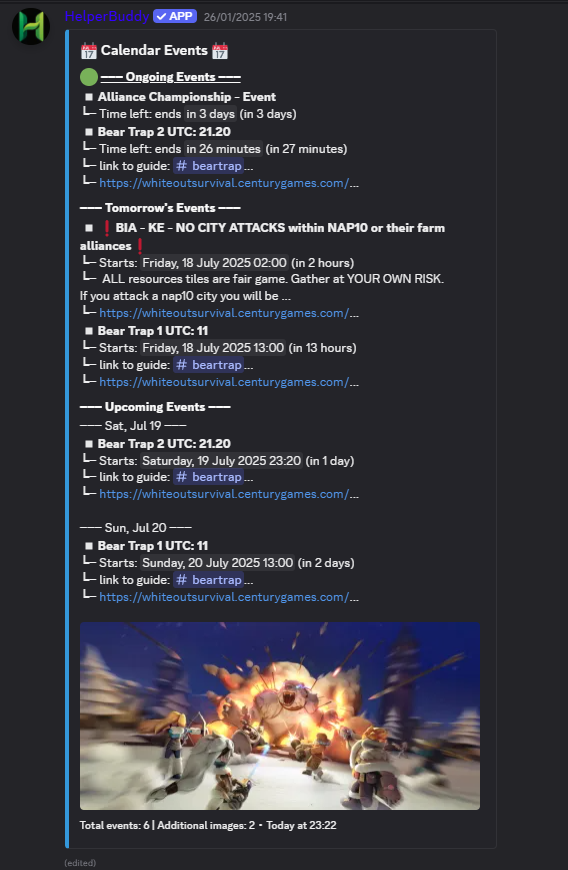
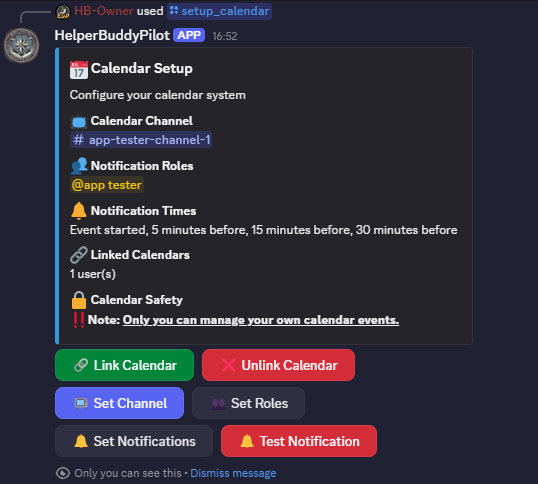
Google Calendar Display
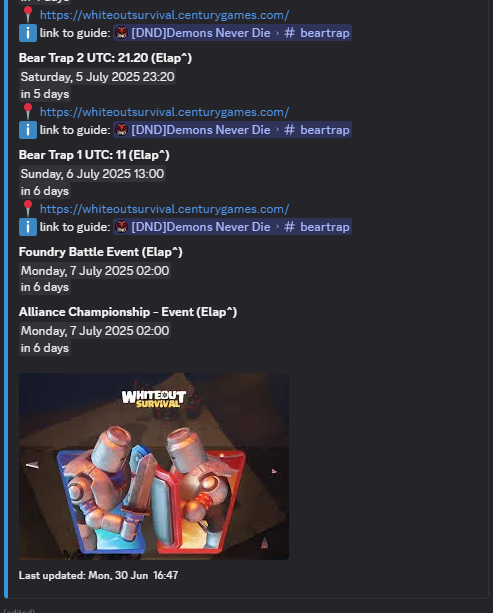
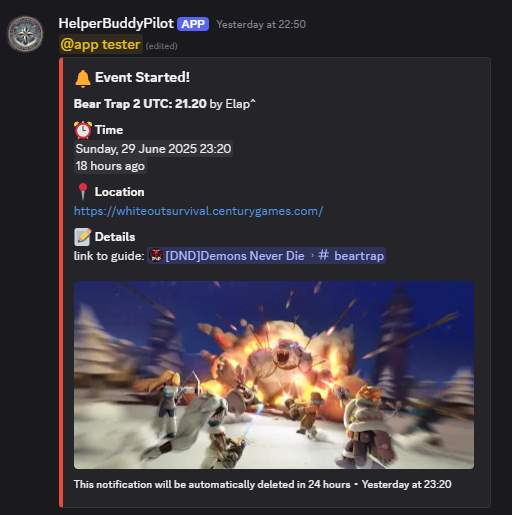
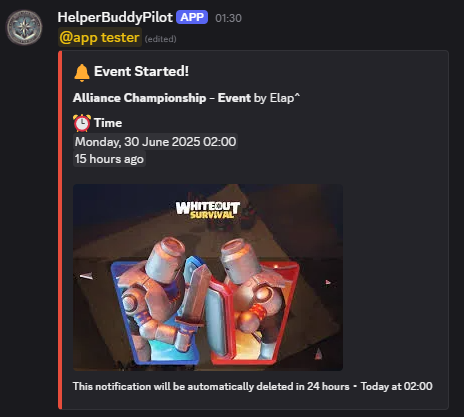
Show your Google Calendar inside Discord.
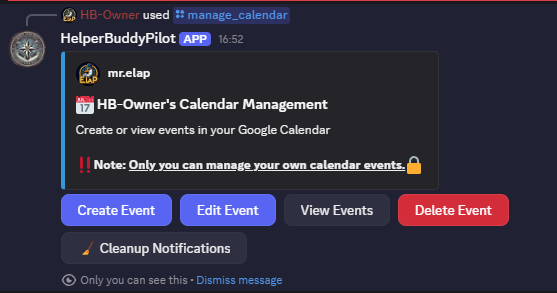
Connect a public Google Calendar and HelperBuddy keeps a live, auto-updating overview of upcoming events right in your server - your members always know what's coming up. Calendar 2.0, with event creation from Discord and smart reminders, is currently in development.
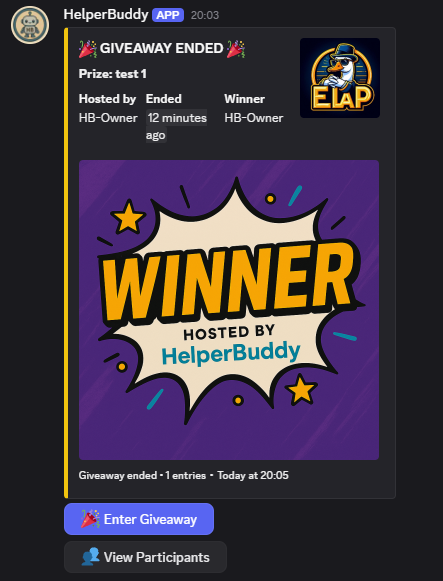
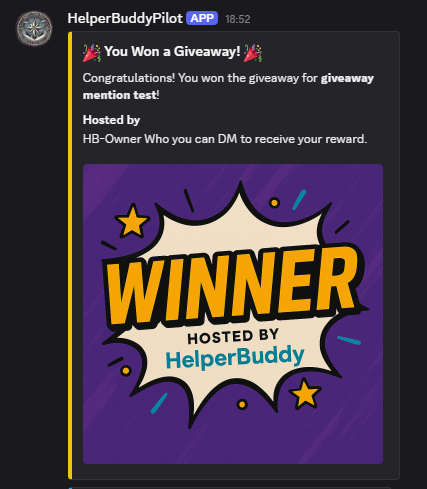
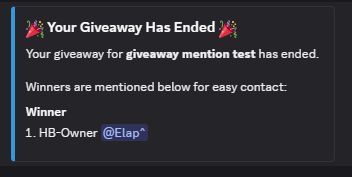
Giveaway System
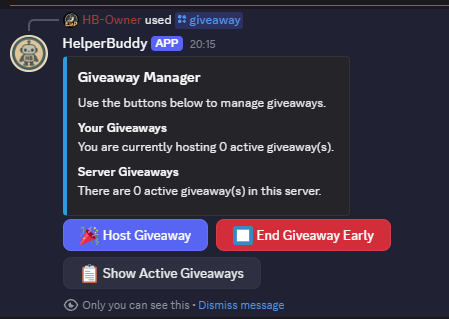
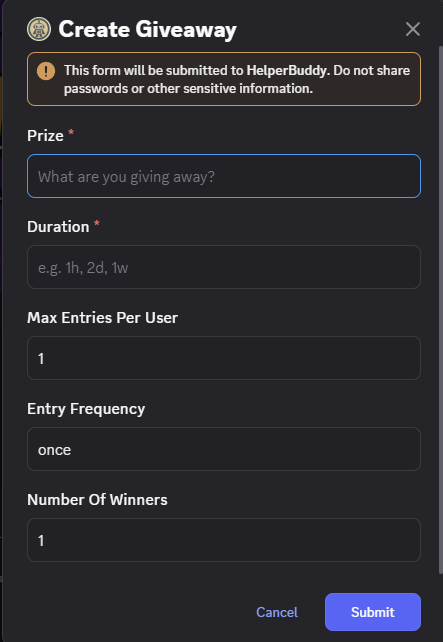
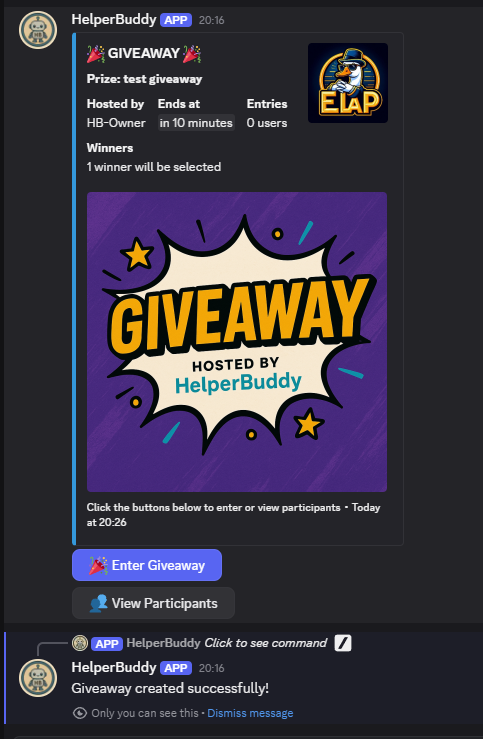
Create and host giveaways for your server.
Host giveaways with a few clicks: set the prize and duration, let members join with a button, and HelperBuddy picks and announces the winners automatically when time runs out.
And Much More
New in the July 2026 update - premium features are marked with 💎
YouTube Upload Announcer 💎
Automatically announce new uploads from your favorite channels - with Discord's native video player, publish time and description preview. Add channels by name, handle or link.
Commands: /youtube add · /youtube list · /youtube remove · /youtube setchannel · /youtube setrole
- Run
/youtube addwith a channel name, @handle or link. - New uploads post automatically with Discord's native video player.
- Use
/youtube setchannelor/youtube setroleany time to change where it posts or who gets pinged.
Weekly Server Digest 💎
A weekly activity report posted on your schedule: total messages, most active channels, busiest day and member growth.
Commands: /digest setup · /digest preview · /digest disable
- Run
/digest setupand pick when the weekly report should post. - Use
/digest previewany time to see what this week's report looks like right now. - Run
/digest disableto turn it off again.
Starboard 💎
Your community's hall of fame. Messages that collect enough ⭐ reactions get showcased automatically - threshold and emoji are up to you.
Commands: /starboard setup · /starboard info · /starboard disable
- Run
/starboard setup, choose a channel and how many ⭐ reactions it takes. - Messages that hit the threshold get reposted automatically to your hall of fame.
- Check
/starboard infoany time to see current settings and top posts.
Sticky Messages 💎
Keep rules, event info or links pinned at the bottom of a channel. The sticky reposts itself as people chat - always visible, never buried.
Commands: /sticky set · /sticky list · /sticky remove
- Run
/sticky setin a channel with the message you want pinned to the bottom. - HelperBuddy reposts it automatically as new messages come in.
- Use
/sticky removeto take it down again.
Birthday Celebrations 💎
Members register their birthday, and HelperBuddy celebrates with an announcement and an optional birthday role for the day.
Commands: /birthday setup · /birthday set · /birthday upcoming
- An admin runs
/birthday setuponce to enable announcements (and an optional birthday role). - Members register their own birthday with
/birthday set. /birthday upcomingshows who's celebrating next.
Alliance Relay 💎
Built for WOS alliances: mirror a channel between allied servers. Write an announcement once - it appears on every allied server instantly.
Commands: /relay create · /relay invite · /relay join · /relay info
- One server runs
/relay createto start a network from a channel. - That server generates a code with
/relay inviteand shares it with allies. - Allied servers run
/relay joinwith the code - one announcement now reaches every linked server.
Translation
Auto-translate channels, flag-reaction translations and right-click "Translate Message" - now up to 10x faster with a rebuilt engine.
Commands: /set_channel_language · /toggle_flag_reactions · /toggle_translation
- Run
/set_channel_languageto auto-translate every message in a channel. - Or turn on
/toggle_flag_reactionsso anyone can react with a flag emoji to translate a single message. - Right-click any message and choose "Translate Message" for a one-off translation.
Epic Games Tracker
Never miss a free game again - HelperBuddy automatically posts the free game of the week from the Epic Games Store.
Commands: /epicfree-setup · /epicfree-current · /epicfree-disable
- Run
/epicfree-setupand pick a channel. - HelperBuddy posts the free game of the week automatically.
- Use
/epicfree-currentto check what's free right now, any time.
Moderation Tools
Warn, timeout, kick and ban from one panel, with warning history and bulk message cleanup built in.
Commands: /modpanel · /modlogs · Purge Messages (via /admin_menu)
- Run
/modpanelto warn, timeout, kick or ban directly from one panel. - Check a member's history with
/modlogs. - Bulk-delete messages from
/admin_menu→ Moderation.
WOS Alliance Tools
Made for Whiteout Survival: player blacklist with profile lookups, state transfer applications and the SVS Minister Planner.
Commands: /blacklist_setup · /blacklist · /setup_transfer · /svs · /svs_admin
- Run
/blacklist_setuponce, then track players with/blacklist. - Run
/setup_transferto open a transfer-application system for your state. - Use
/svs//svs_adminto sign members up for SVS minister slots and manage the schedule.
Community Utilities
Quick votes, day counters & countdowns, timezone converters, party mode and fun right-click actions to keep your community engaged.
Commands: /start_vote · /create_counter · /create_countdown · /check_my_time · /party
/start_votefor a quick yes/no poll./create_counteror/create_countdownto track days since or until something./check_my_timeconverts a time across timezones, and/partystarts a bit of fun in the channel.- Right-click any message for Celebrate!, Funny Insult, Meme-ify or Give Compliment.
Admin Control Hub
Everything above is managed from one place: /admin_menu organizes every feature by category with live status at a glance.
8 Brand New Features
AFK status, reminders, a suggestion box, confessions, trivia, tags, an invite tracker and more - see what each one does and how to use it.
See the New Features Guide